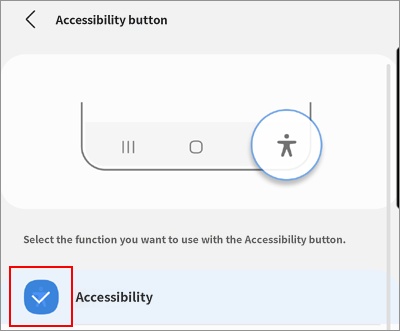
Disable accessibility shortcut
When the "Accessibility Shortcut" is enabled, a 'human-shaped icon' or an 'icon in the center of the screen' will appear on the device, as shown in the images below. Pressing this allows your child to arbitrarily turn accessibility permissions on or off. If accessibility permissions are disabled, some features of Mobile Fence will stop working, and it may even open a path to neutralize Mobile Fence entirely.
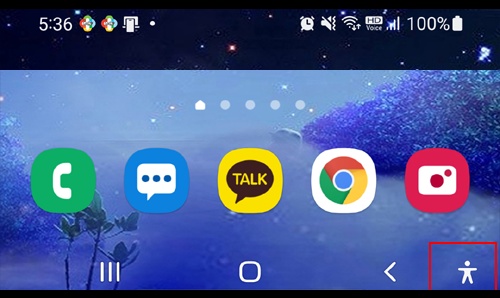
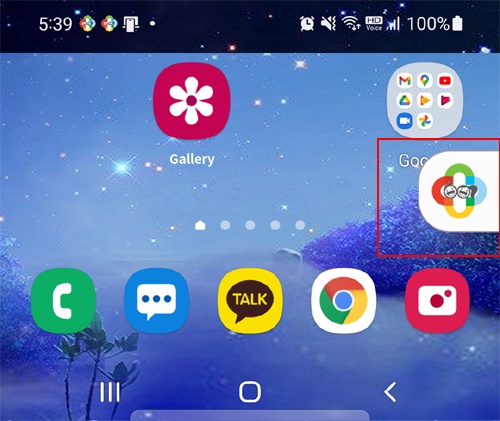
To prevent the neutralization of Mobile Fence, it is necessary to disable the "Accessibility Shortcut." Follow the steps below. Please temporarily turn off the Mobile Fence service before proceeding.
1. For Samsung Android 11 or higher: Disable "Accessibility Shortcut"
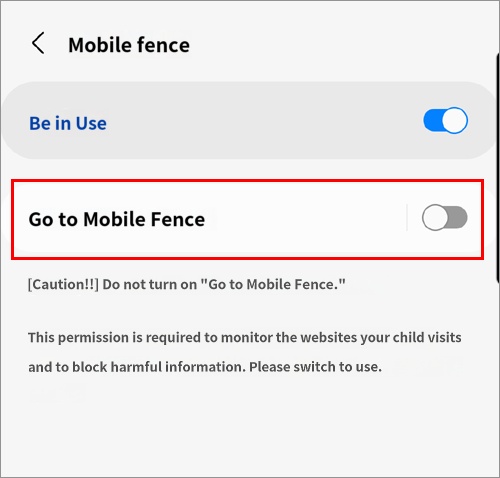
2. Configure "Side key and Volume Up" settings
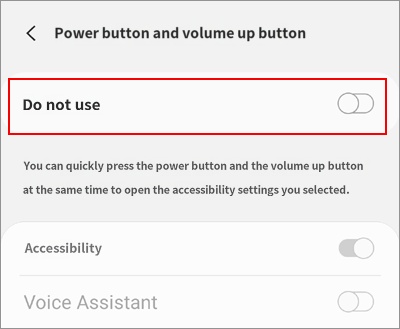
Ultimately, it should be set to "None," as shown below.
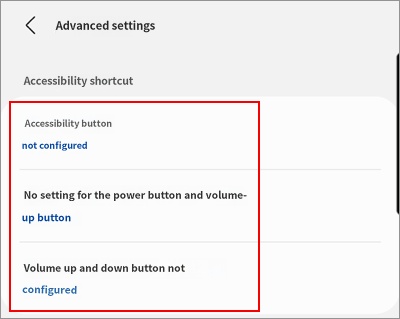
3. Configure "Accessibility button" settings
On a very small number of Samsung devices, there may be a physical "Accessibility button." In this case, take the following action: