
Install plugin
Installing Plugins
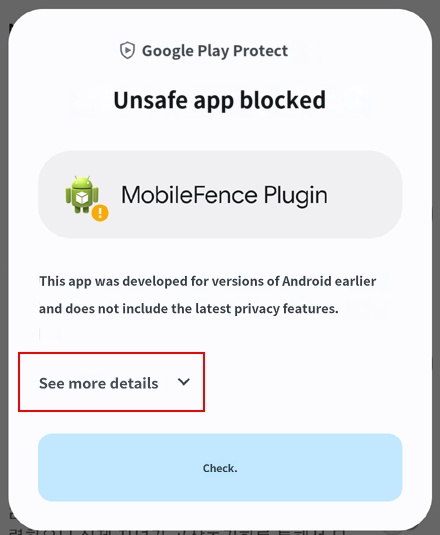
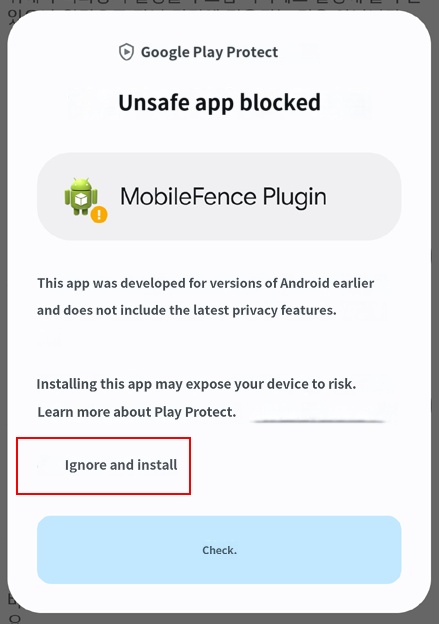
Plugins are responsible for the operation of various features provided by the Mobile Fence app. Depending on the device, an "Unsafe app blocked" warning pop-up may appear. Please ignore this and proceed with the installation, as the plugin app you are installing is safe.
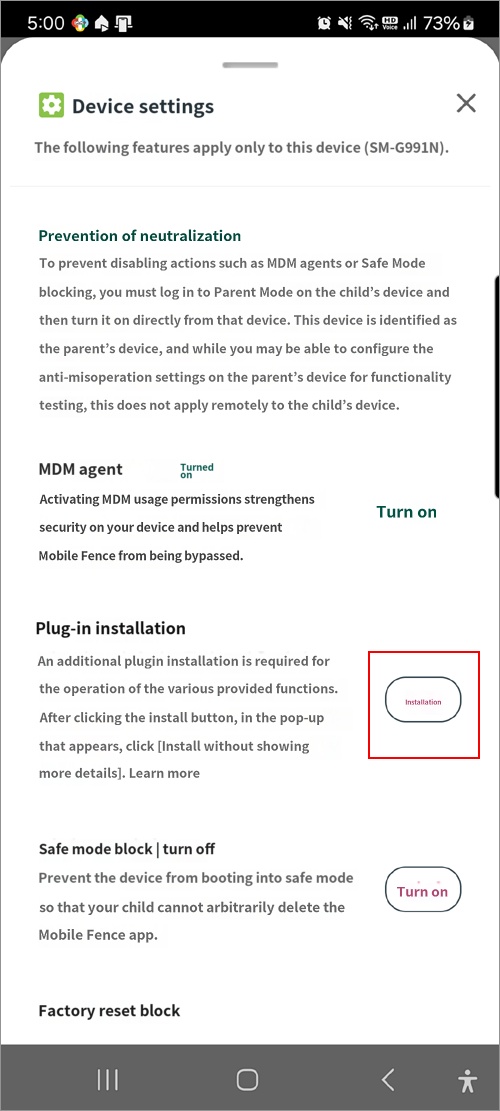
2. Device Settings at the bottom of the screen
3. Click the Install Plugin button <Figure 1> (If the install button is not visible, click the "Turn On" button for "MDM Agent")
4. View additional details <Figure 2> → Install anyway <Figure 3> → Select Continue
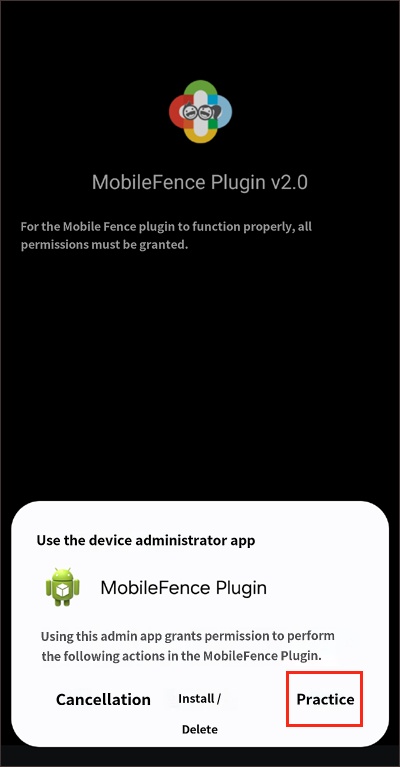
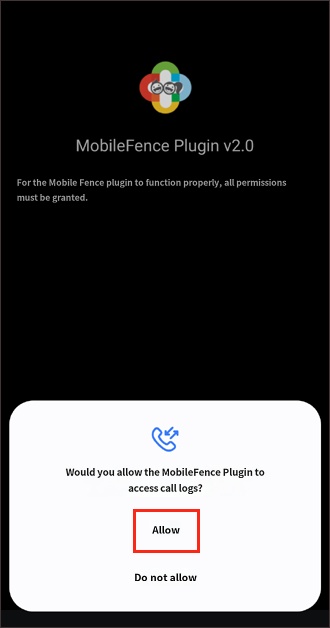
Afterward, grant all requested permissions.
Exceptions
If there is no response from the device after clicking the "Install" button for the plugin, you must first turn off the "Scan apps with Play Protect" feature on the child's device and then proceed.
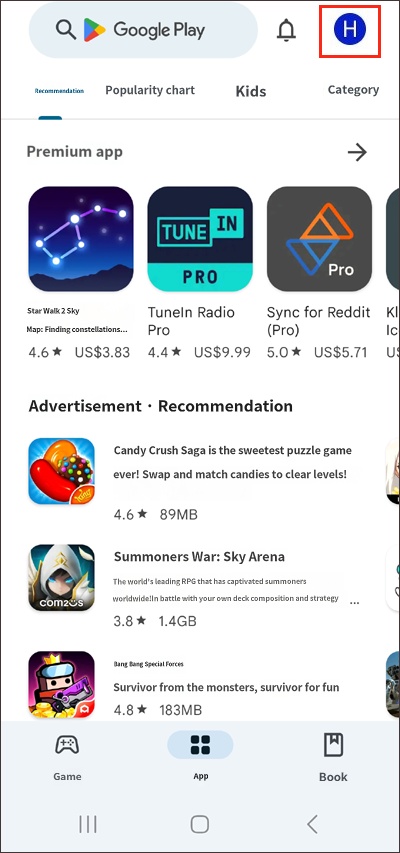
1) Open the Play Store on the child's device → Profile icon
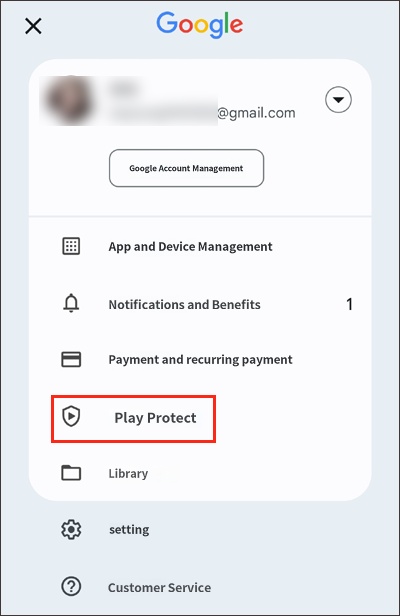
2) Play Protect
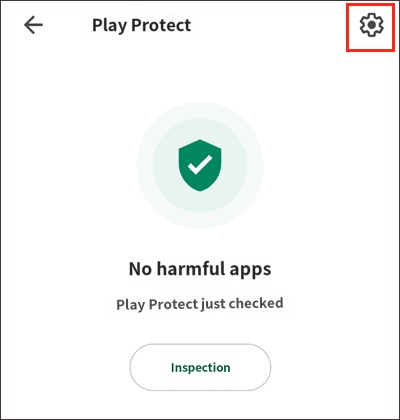
3) Settings at the top right
4) Turn off "Scan apps with Play Protect"
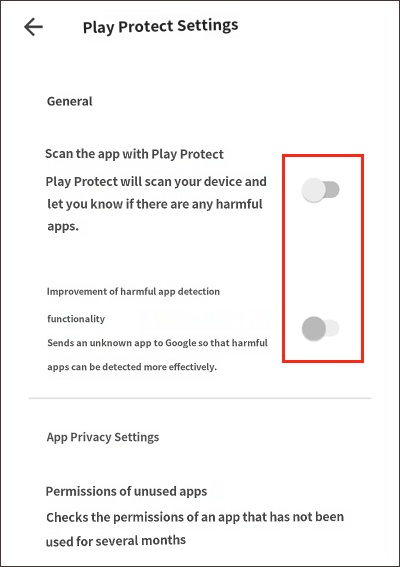
5) After that, click [Log in to Mobile Fence app on the child's device → Device Settings → Install Plugin], and the file will be installed automatically at this point.

